
The Hidden Cost of Slow Computers: When Keeping Old Hardware Actually Costs You More

A slow computer rarely looks expensive. The cost hides in lost minutes, repeat repairs and frustrated staff.
- Files, logins and updates take longer every month.
- The same machines keep coming back for repairs.
- Newer software struggles to run on old systems.
- Nobody tracks the time quietly lost each day.
MCG Computer provides computer support in Melbourne and helps businesses work out when slow business computers cost more than new ones. This blog covers what slow machines really cost, when to repair or replace, how to run the numbers, and how to upgrade without overspending.
| Focus: Knowing when ageing computers cost a business more in lost time and repairs than replacement would. Key Considerations: Repair frequency, staff downtime, software compatibility, and total cost over time. Approach: Compare yearly repair and downtime costs against the price of a replacement. Professional Insight: MCG Computer suggests that any IT support company should look at the whole cost of a machine, not just the repair invoice. Outcome: Clear upgrade decisions and fewer surprise breakdowns. |
How Much Do Slow Computers Really Cost a Business?
The real cost sits in staff time. A machine that loses five minutes per person each day adds up to roughly 20 hours a year per employee. That’s a simple example, but it shows how small delays grow.
Repairs, overtime to catch up and missed deadlines all stack on top.
When Should a Business Repair or Replace Old Computers?
Repair a computer when the fault is isolated and the machine is otherwise coping. Replace it when problems keep repeating or the hardware can’t run the software your team needs.
| Damage | Priority | Why |
| Cracked headlight | High | Cuts night visibility |
| Collision damage | High | Could hide structural problems |
| Loose bumper | Medium | Gets worse with distance |
| Light surface scratch | Low | Mostly looks |
| Small paint chip | Low | Seal it before rust sets in |
Computer replacement costs look high on paper. They often look smaller once repeat repairs are counted.
Get Your Computers Assessed Today
How Do Slow Computers Affect Employee Productivity and IT Costs?
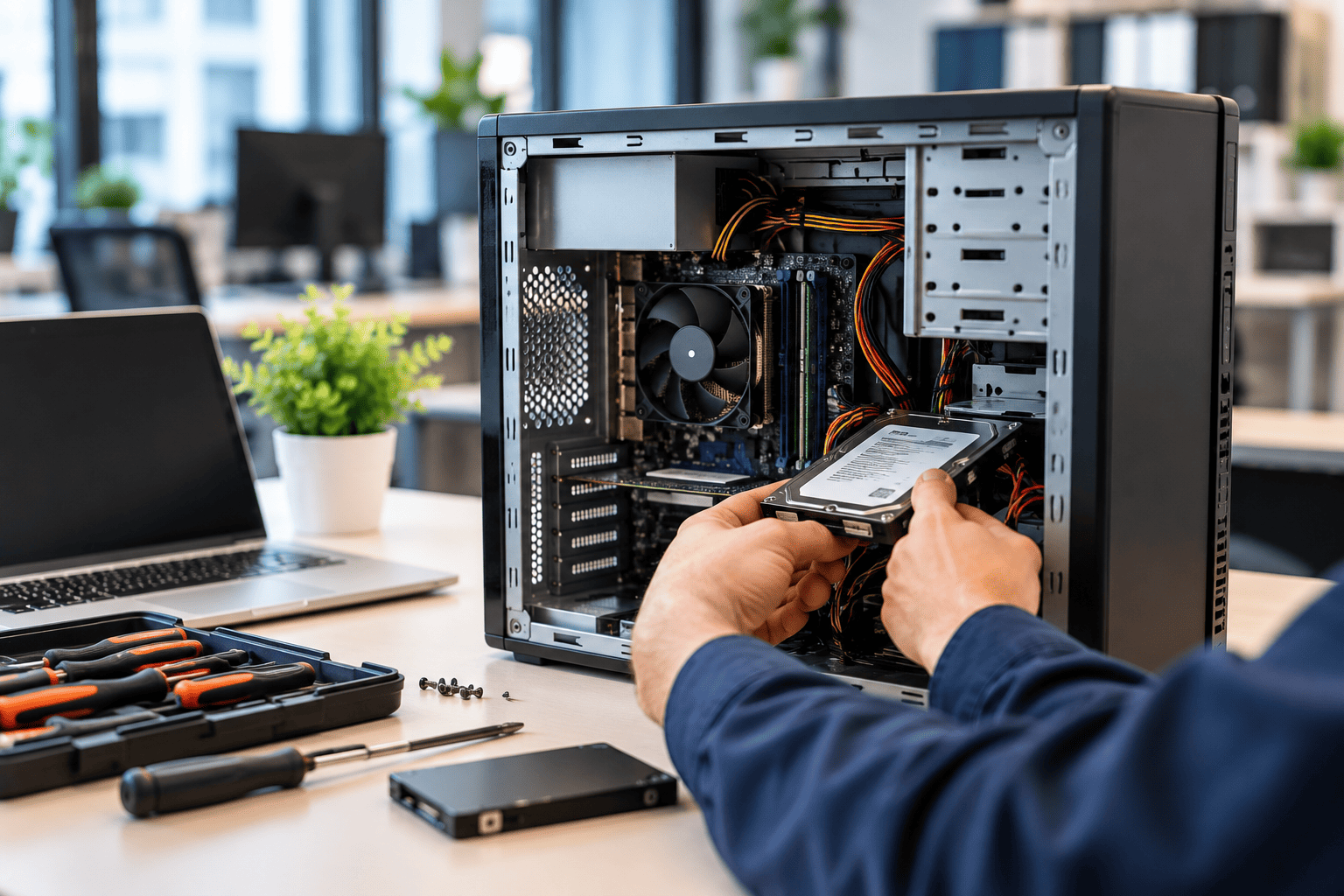
Slow computers drain productivity through waiting, restarts and workarounds, and they raise support costs through frequent call outs.
Where Does the Time Actually Go?
Staff rarely log a slow login as a problem. They just wait, then wait again. Across a team, those pauses never show up on a timesheet.
What Happens to Support Costs?
Older machines generate more tickets. Regular IT support services can contain this, but a pattern of repeat faults usually points to hardware that has reached the end of its useful life. Businesses on managed IT services often see this early, because ageing devices stand out in monitoring reports.
How Can Businesses Calculate the True Cost of Keeping Old Hardware?
Add up the yearly cost of repairs, downtime, staff time and maintenance, then compare the total with the cost of replacement. If the old machine costs more each year than a new one would, replacing it makes financial sense.
What Should the Comparison Include?
| Cost item | Keeping the old machine | Replacing it |
| Repair costs | Rising with each fault | Low under warranty |
| Downtime | Frequent and unpredictable | Minimal |
| Employee time | Lost to slow performance | Recovered |
| Maintenance | More patching and fixes | Simpler upkeep |
| Purchase cost | None upfront | One-off outlay |
A business with a tight budget can still work through this table. Good small business IT support helps gather the repair history, which most owners don’t have to hand.
What Is the Most Cost Effective Way to Upgrade Business Computers?

Upgrade in stages, starting with the machines that cost you the most. Replacing everything at once strains cash flow, while ignoring the problem keeps the hidden costs running.
Is a RAM or SSD Upgrade Enough?
Sometimes. A solid state drive (SSD) is a faster type of storage, and it can revive a machine with a healthy processor. If the processor is the bottleneck, an upgrade only delays the inevitable.
How Should You Plan the Rollout?
- Rank machines by pain: Start with the ones that cost staff the most time.
- Spread the spend: Replace a few each quarter.
- Match specs to roles: Accounts staff and designers need different machines.
Local computer support in Melbourne makes staging easier, since a technician can test, set up and swap machines with little disruption.
Get Your Computers Assessed Today
Making Smarter Decisions About Business Computer Upgrades
Holding on to ageing office hardware feels cheaper until you count the lost hours and repeat fixes. MCG Computer works with businesses on IT support services, including repairs and upgrades, and can review your machines, compare the numbers and recommend a sensible plan. Get in touch to book a hardware review.
FAQs
Should businesses replace computers that still work but run slowly?
Not always. Check whether a clean up or small upgrade fixes the slowdown first. If speed stays poor afterwards, or the machine can’t run required software, replacement usually costs less than months of lost staff time.
How can a business tell whether slow performance comes from hardware or software?
Test the machine after removing unused programs and running updates. If it stays slow, the hardware is likely the limit. If another computer runs the same software well, the problem probably sits with the first machine’s settings.
Is upgrading RAM or an SSD worth it for older office computers?
It can be, if the processor is still capable. Extra memory and a faster drive often improve everyday tasks. On very old machines, the upgrade cost may come close to a replacement’s price.
How should businesses budget for replacing multiple computers?
Set a rolling replacement cycle instead of one large purchase. Replace the oldest or most problematic machines first, and put aside a fixed amount each quarter. This keeps cash flow steady and avoids emergency buying.