
When Should Your Company Review Its Cyber Security?
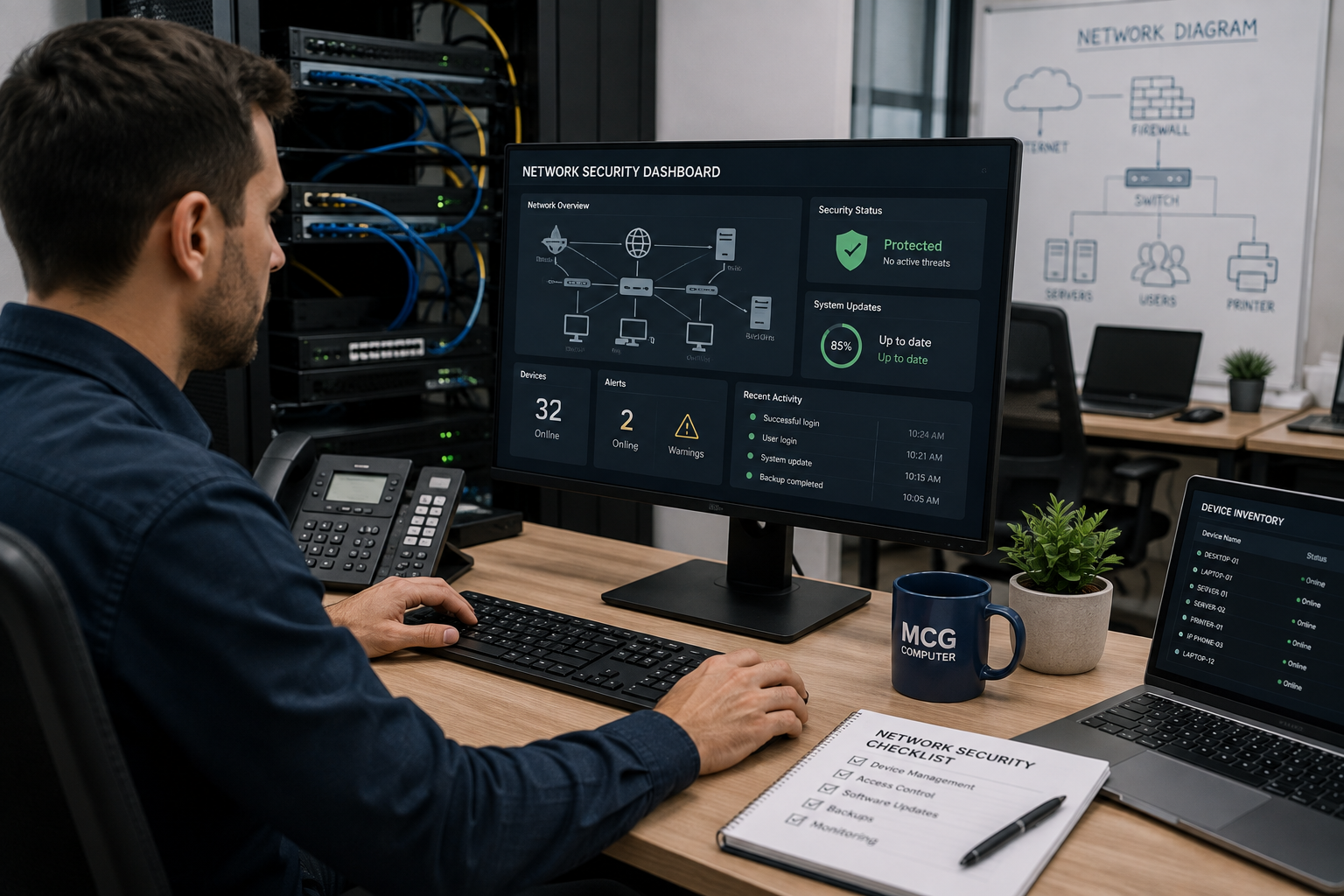
A business IT network can seem to be working just fine, but security holes can lurk in the background. Cyber incidents exploit outdated systems, poor control of access, and unmanaged devices, all resulting in risks before anyone even knows something is wrong.
For Melbourne businesses, common warning signs include:
- Unpatched computers and network devices.
- Employees using weak or shared passwords.
- Unknown devices connected to the network.
- Unusual login activity or unexplained system changes.
- Backups that have never been tested.
MCG Computer has supported Australian businesses helping organisations manage their IT infrastructure and respond to everyday technology risks. These are the practical warning signs that deserve attention before a small weakness turns into a serious business disruption.
What Are the First Signs of an Exposed Business Network
The first signs show up operationally rather than dramatically. Slow systems, repeated login failures, unexpected software changes, and devices sitting without recent security updates all point to gaps in network protection that are worth investigating promptly.
A useful starting point is checking whether your business can answer these questions clearly:
| Security Check | Warning Sign |
|---|---|
| Device management | Nobody knows exactly which devices are connected. |
| Software updates | Updates are regularly postponed. |
| User access | Former staff still have active accounts. |
| Network access | Remote access is poorly controlled. |
| Backups | Backups exist but recovery has never been tested. |
What most experts overlook is that visibility itself functions as a security control. When a business cannot clearly identify its devices, users, software, and access points, spotting abnormal activity quickly becomes considerably harder.
Could Outdated Devices Be Creating Security Gaps
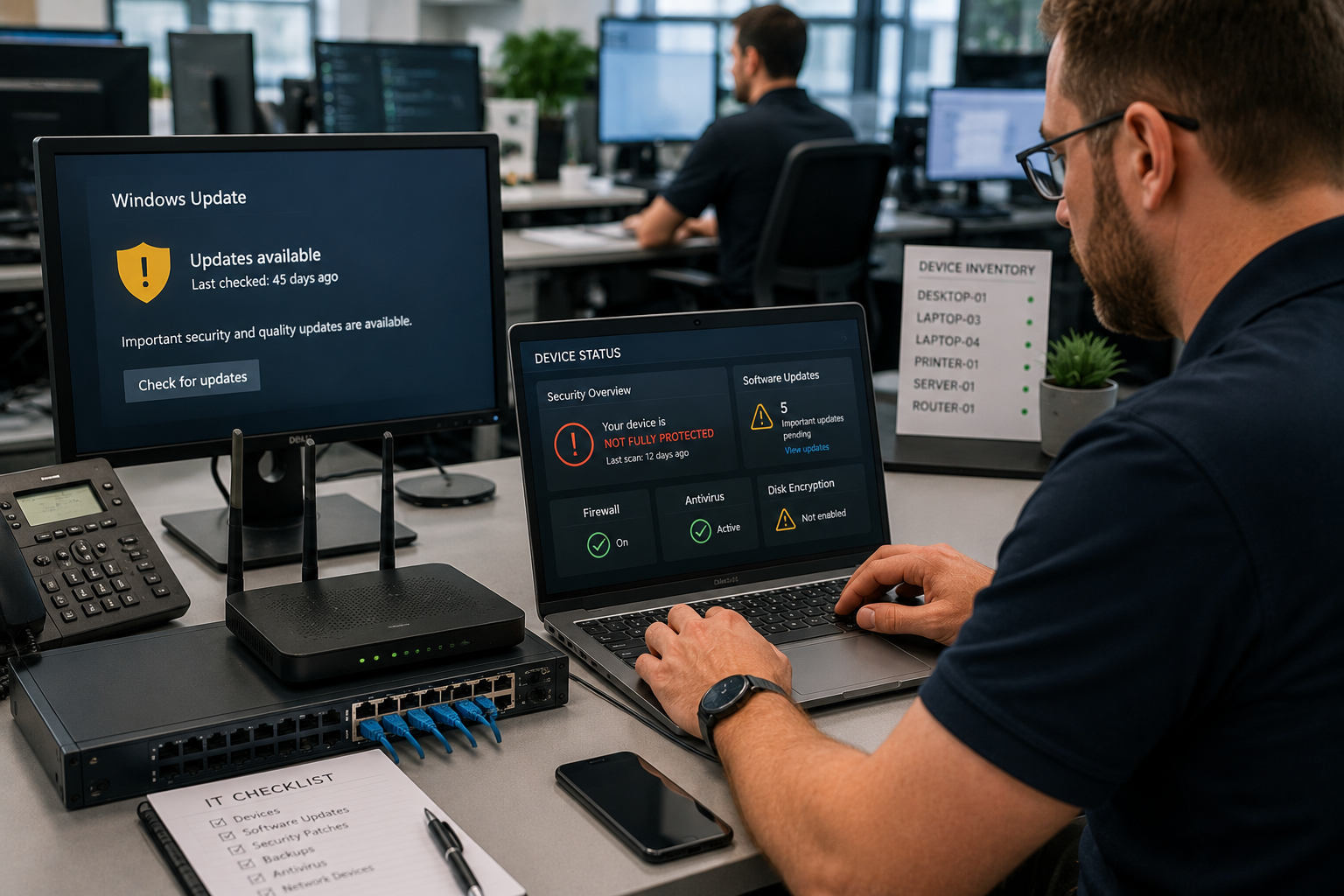
Unsupported operating systems, old routers, unmanaged computers, and obsolete software leave known vulnerabilities sitting open with nothing closing them.Security updates patch weaknesses that attackers already know about and actively target. Postponing those updates for months stretches the window during which an exposed system stays vulnerable to exploitation.Businesses should keep an accurate technology register covering:
- Computers and notebooks.
- Servers and network equipment.
- Operating systems and key applications.
- Firmware versions.
- Security software.
- Devices used by remote workers.
This matters most for businesses depending on remote access, cloud applications, and shared systems. A single unmanaged endpoint introduces a weak point into an otherwise well-maintained network. Businesses seeking IT services in south Melbourne should ask whether their provider actively tracks patch status rather than only responding once something stops working.
Can Poor Backups Become a Security Weakness
They can, and this is a weakness many businesses carry without realising it. A backup strategy only holds value when the business has confirmed that its backups are complete, protected, and actually recoverable under real conditions.
Ransomware and hardware failures both cut off access to business data. When the only available backup connects continuously to the production environment, an incident affecting that environment may take the backup down with it.
Businesses should verify:
- How frequently data is backed up.
- Who holds access to the backups.
- Whether older versions can be selectively restored.
- When the last recovery test was actually completed.
- Where backup copies are physically or digitally stored.
Cloud-based systems require separate backup planning on top of what the cloud provider delivers. Well-planned cloud solutions address security, access, and recovery requirements together rather than treating them as separate concerns.
What Should a Business Do When It Finds These Red Flags
Start with a structured network security review and build from there, instead of making many adjustments in multiple areas at once. Identify the assets, users and services that present the greatest risk to the business and then evaluate the security controls around each of them.
A practical review should consider:
- Immediate risks: Unsupported systems, exposed accounts, and missing security patches.
- Access Risks: Excessive permissions, shared credentials, unsecure remote access.
- Recovery risks: Untested backups and unclear recovery responsibilities.
- Monitoring risks: No centralised visibility into security events or device health.
Businesses operating in specialist fields benefit from IT support that understands their environment. IT support for business professionals may need to account for client confidentiality obligations, financial records, and the specific platforms used to manage sensitive information day to day.
Protect Your Business Before a Small Gap Becomes a Major Problem
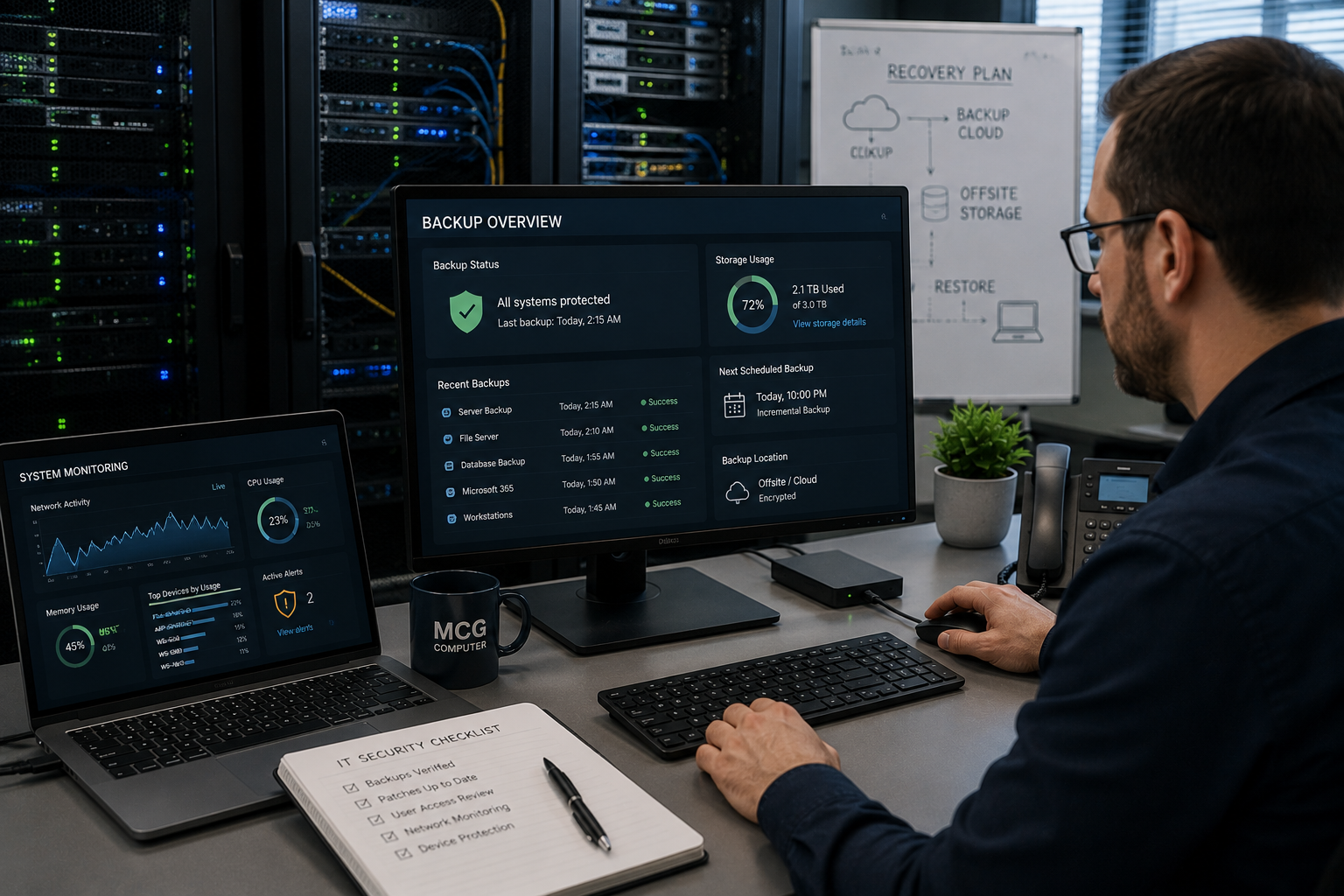
Security gaps rarely announce themselves as a single obvious failure. They develop quietly through outdated devices, weak access controls, unmanaged endpoints, absent monitoring, or backups that nobody has tested.
MCG Computer brings practical experience across managed IT, cybersecurity, cloud services, backup, and technical support to businesses that need a clearer picture of where they stand.
Get in touch today to arrange a professional assessment before a vulnerability contributes to a costly disruption.
FAQs
How often should a business review its IT network security
Security monitoring should run continuously, with a more thorough review conducted regularly and after significant changes such as office relocations, new system deployments, staff turnover, or cloud migrations. The appropriate frequency depends on the organisation’s size, the systems it operates, its risk profile, and any regulatory obligations it carries.
What should happen when an employee leaves the business
Access should be reviewed and removed promptly across email, cloud platforms, remote access, applications, and devices. Shared credentials linked to that person should be changed at the same time. Maintaining a documented offboarding checklist prevents accounts from staying active after employment ends without anyone noticing.
Can a small business have security gaps without experiencing an attack
Yes. A security gap represents a weakness, not confirmation that an attack has already taken place. Finding and closing weaknesses early gives the business an opportunity to address them before they are discovered and exploited by someone outside the organisation.
Is a firewall enough to protect a business network
No. A firewall is one control within a broader security framework. Businesses also need appropriate identity controls, endpoint protection, consistent software updates, active monitoring, tested backups, and staff awareness. These controls reinforce each other, and the absence of any one of them creates a gap the others cannot fully compensate for.