
Cybersecurity for SMEs: A Beginner’s Guide to Protecting Your Business
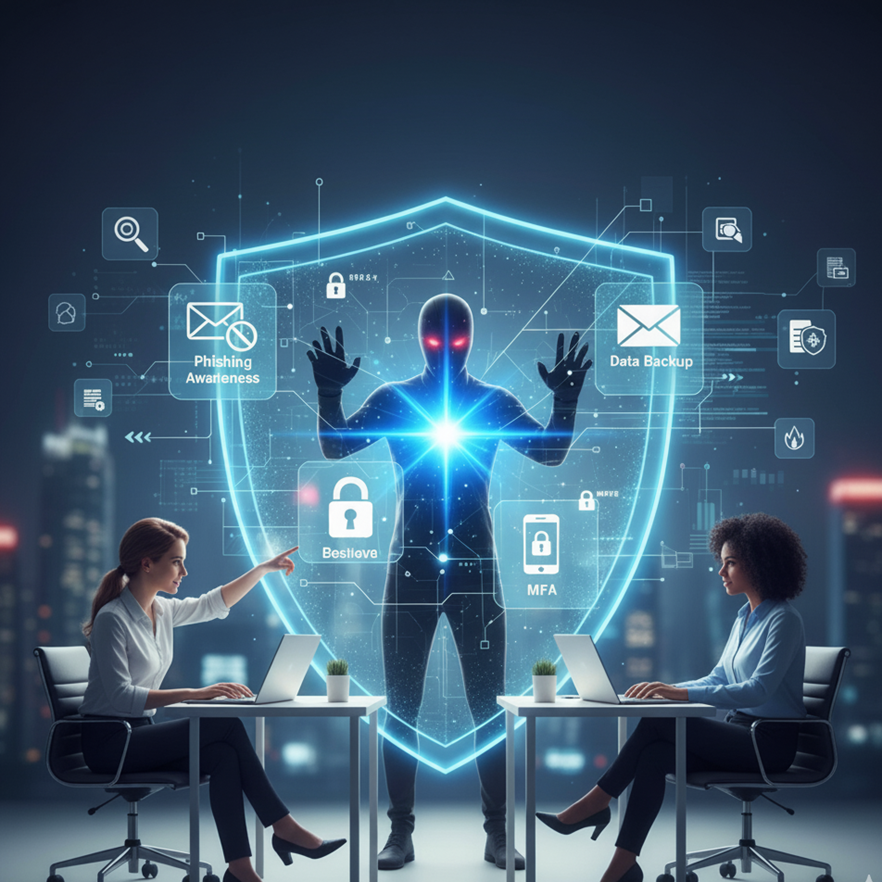
In today’s digital world, every business — big or small — relies on technology. From emails and online banking to customer databases and cloud storage, digital tools help small and medium-sized enterprises (SMEs) grow faster and work smarter. But with these benefits comes a serious risk: cyberattacks.
For many SMEs, cybersecurity might seem complicated or only relevant to large corporations. However, small businesses are often prime targets for hackers because they usually have weaker protection. The good news? By understanding the basics and taking simple steps, you can dramatically reduce your risk.
1. What Is Cybersecurity?
Cybersecurity means protecting your computers, networks, and data from unauthorized access, attacks, or damage. Think of it as locking your office doors — but for your digital systems.
Common cyber threats include:
• Phishing: Fake emails or messages that trick you into giving away passwords or personal information.
• Malware: Software that damages your system or steals data (like viruses or ransomware).
• Data breaches: Unauthorized access to confidential business or customer information.
• Password attacks: When hackers guess or steal passwords to break into accounts.
2. Why Cybersecurity Matters for SMEs
According to global studies, nearly half of all cyberattacks target small businesses. The impact can be devastating — lost data, legal trouble, downtime, and loss of customer trust.
For example:
• A ransomware attack could lock you out of your systems until you pay a fee.
• A phishing email could trick an employee into transferring money to a fake account.
• A data breach could expose sensitive customer information and damage your reputation.
Strong cybersecurity isn’t just an IT issue — it’s a business survival strategy.
3. Simple Steps to Improve Your Cybersecurity
You don’t need to be a tech expert to protect your business. Start with these essential practices:
• Use Strong Passwords and Multi-Factor Authentication (MFA)
– Use unique, complex passwords for each account.
– Enable MFA (a second layer of security, like a code sent to your phone) wherever possible.
• Keep Software and Devices Updated
– Regular updates fix security holes that hackers could exploit.
– Set your systems to update automatically if possible.
• Backup Your Data
– Regularly back up important files to a secure cloud or external drive.
– Test backups occasionally to make sure they work.
• Train Your Employees
– Teach staff how to spot suspicious emails or links.
– Encourage them to report anything unusual — no blame, just safety.
• Use Antivirus and Firewall Protection
– Install reputable security software on all devices.
– Firewalls act as digital “gatekeepers” for your network.
• Limit Access
– Give employees access only to the data or systems they need for their job.
– Remove access when someone leaves the company.
4. Develop a Basic Cybersecurity Policy
Even a one-page policy helps ensure everyone knows their responsibilities. Include rules on:
• Password creation and sharing
• Email and internet use
• Reporting suspicious activity
• Handling customer data
5. Plan for the Unexpected
No system is 100% safe. Create a simple incident response plan that covers:
• Who to contact if a breach occurs
• How to isolate affected systems
• Steps for recovering data and informing customers if necessary
• Being prepared helps minimize damage and speeds up recovery.
6. Start Small, but Start Now
Cybersecurity doesn’t have to be expensive or complicated. Start with the basics, build awareness among your team, and make security part of your everyday business routine.
By taking small steps today, you protect your business, your customers, and your reputation for the future.
Don’t leave your security to chance. Reach out to MCG Computer team for reliable, business-focused cybersecurity solutions.